Small business website
A website for a shop, cafe, bakery, studio or tutor, with your menu or services, opening hours and a contact form.
A small business website answers the questions customers ask most: what do you sell, when are you open, where are you, and how do I reach you. Kodebloc builds one from a short description. You can then change the words, photos and colors by chat or by hand, and put it online with its own address.
Real examples built with Kodebloc
These websites were built with Kodebloc. Two of them came from the very same request, "A website for my bakery in Pune", and still look nothing alike.
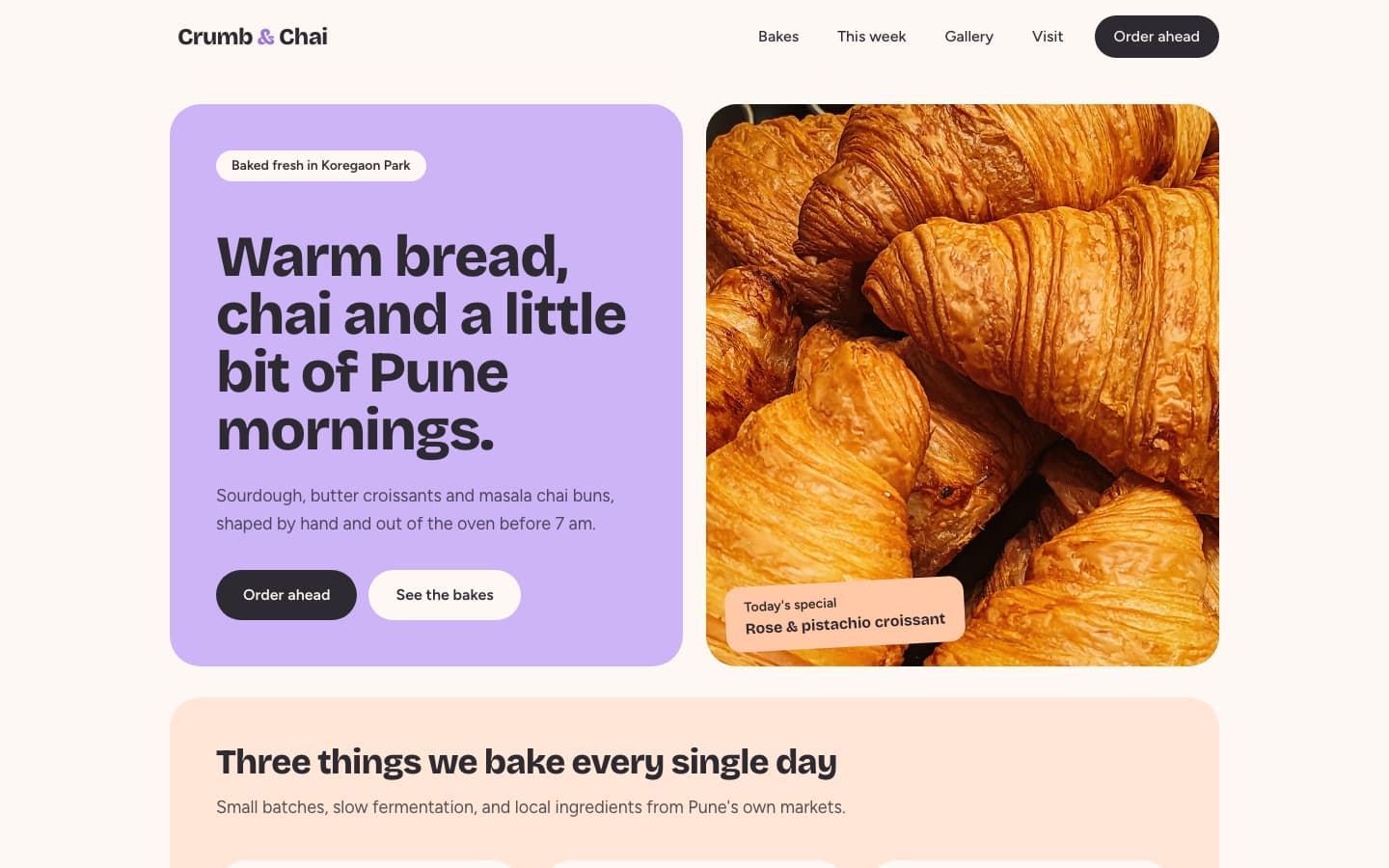
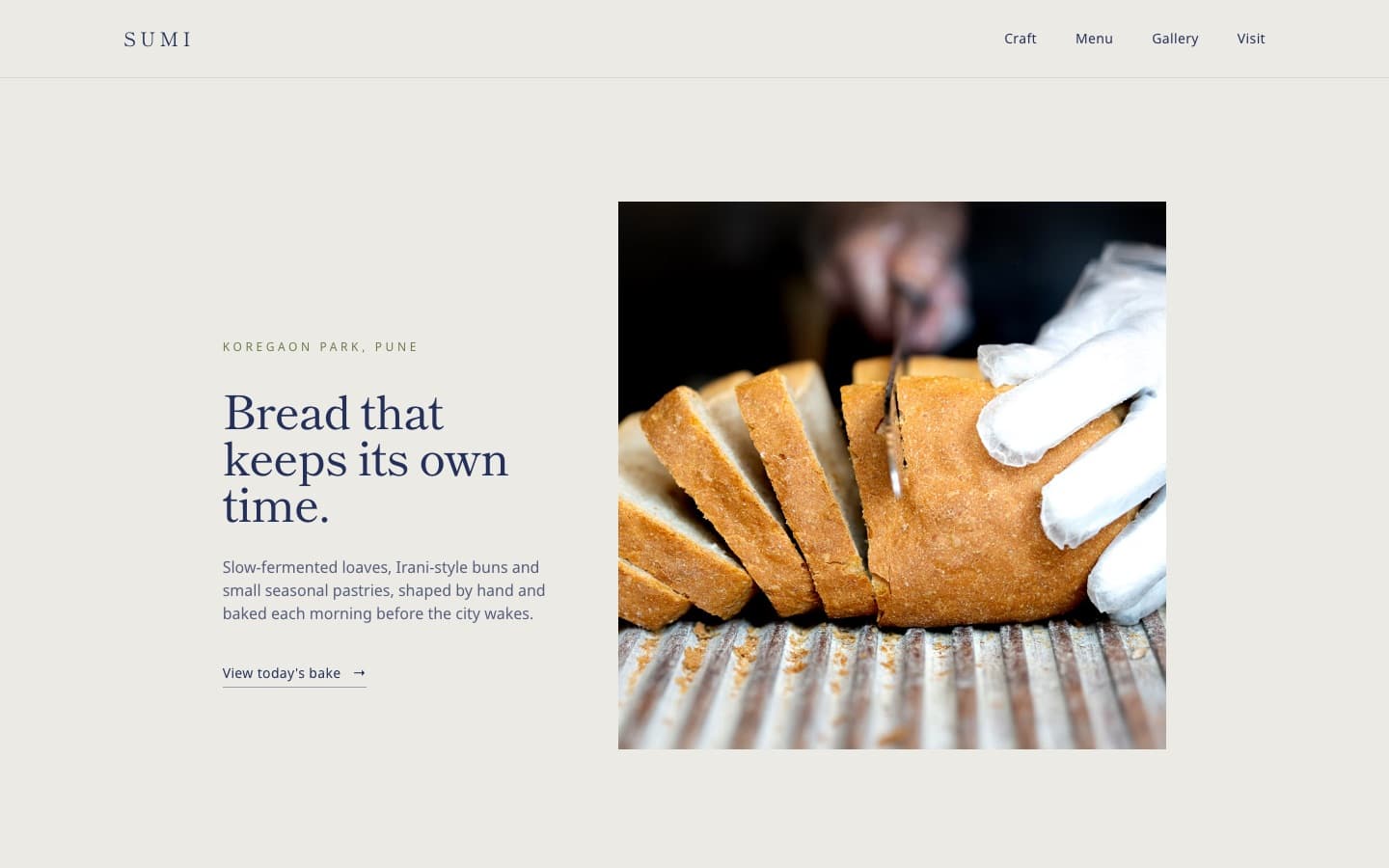
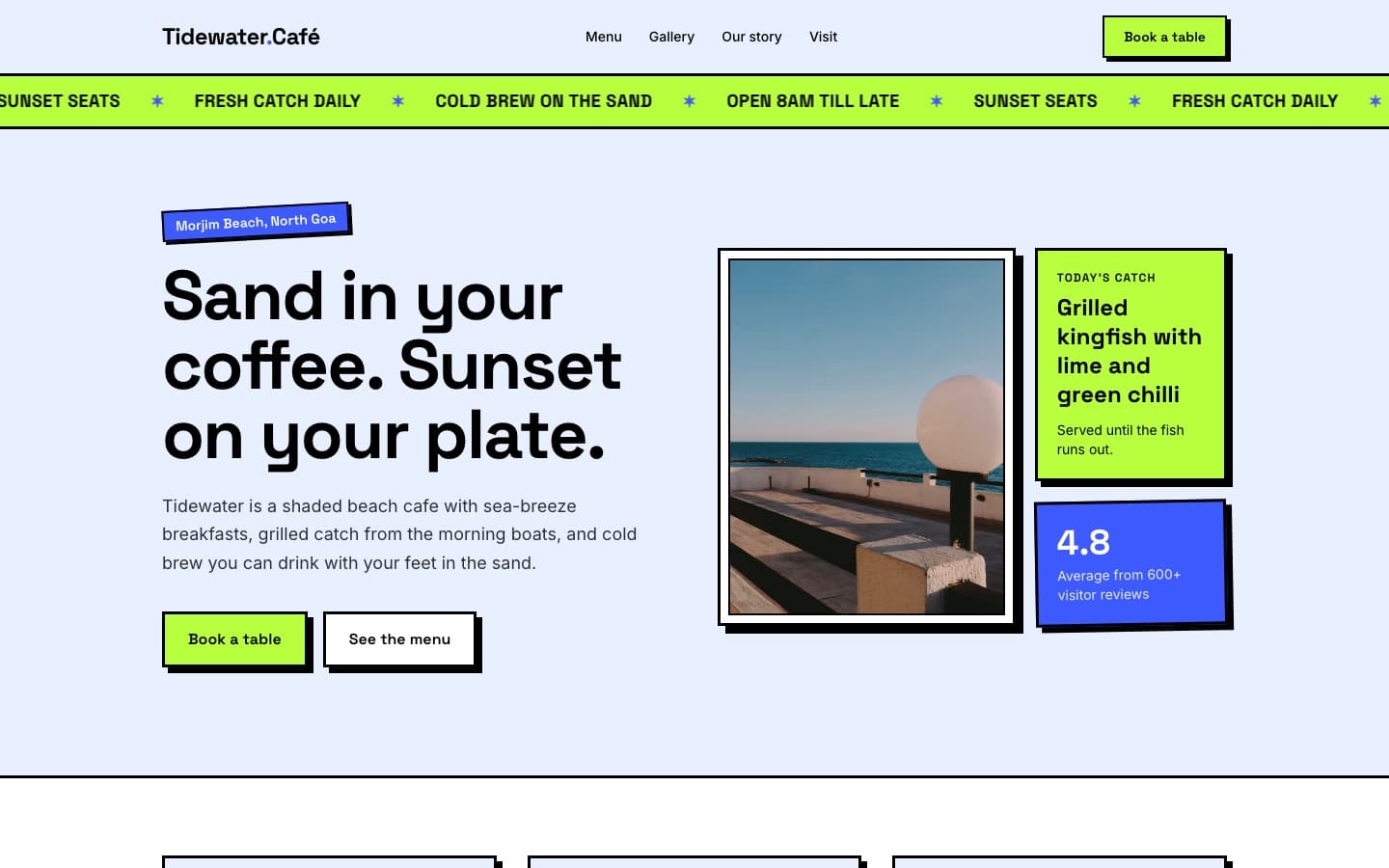
A few more to look at:
- Sunrise Shala, a yoga studio in Bangalore with a retro seventies look: a chunky headline on a pink sunburst and tilted instant photos.
- Peachy Keen, an ice cream parlour in Melbourne with a pink and mustard sunburst and groovy type.
- Onda Lisboa, a surf school in Lisbon laid out like a scrapbook of taped surf photos beside a big, friendly headline.
Every new website gets its own design direction, with its own fonts, colors and layout. So yours won't copy any of these, even if your business is similar. If you have a look in mind, describe it, or pick a style such as Modern, Playful or Corporate before you build.
What to put on a small business website
- A clear opening. Your name, what you do and where, plus one main button, such as Book a table, Order a cake or Book a class.
- Your menu, products or services. A short list with prices helps people decide before they visit.
- Opening hours and address. Put them where they are easy to find. These are the details people look up most.
- Your story. Who runs the place and why. A few honest lines build trust.
- Photos. Your space, your products, your team at work.
- Reviews. Real words from real customers. Never invent them.
- A contact or booking form. Forms on a published Kodebloc website really send. Each message arrives in your Messages inbox in Kodebloc and is emailed to your account address.
Tips for your request
- Name the business, the type and the town. "A website for Rosa's Bakery, a family bakery in Pune" is a strong start.
- Give the real facts. Hours, address, phone, prices. If you leave them out, the AI writes sample ones, and you must replace them before you publish.
- Say what customers should do. Book, order, call, visit. The AI builds the page around that action.
- Mention the feeling. Cozy, fresh, premium, fun. One or two words is enough.
More advice is in how to write a good website request.
Start from your Google Business Profile
If your business is already on Google Maps, you can start there instead. Paste the link to your listing and fill in a short form with your business name, type, address, phone, opening hours and services. Kodebloc builds the website from those details, and it can add buttons that open your Google listing for directions and reviews. Read build a website from your Google Business Profile to see how.
Requests ready to build
Press Build this to start from one of these, then change the details to match yours.
“A website for a neighborhood bakery called Golden Crust. Warm and cozy look, a menu of breads and cakes with prices, opening hours, our address, three customer reviews and a form to order a custom birthday cake.”Build this
“A website for a small yoga studio. Calm, light colors, a weekly class timetable, the teachers with a short bio each, prices for drop-in classes and monthly passes, and a form to book a free first class.”Build this
“A website for a private math tutor who teaches high school students. Friendly and clear, with the subjects I teach, how a first lesson works, prices per hour, words from parents and a contact form to ask for a lesson.”Build this
After it is built
Change any part by clicking it in the preview and asking in plain words, or edit the text yourself. See change your website by chat and edit your website by hand. Want a separate page for your menu or prices? Choose Multiple pages before you build, or add pages later. A website can have up to 5.
When it is ready, press Publish to put it online. Then open site settings to set how it shows up on Google and in shared links, and read SEO for beginners to help customers find it. Kodebloc is free while in beta.
Build your business websiteStill stuck?
Send us a message on the contact page and we'll reply by email.