Guides / Builder features
Your website's address
Every published website gets its own kodebloc.app address. How it is picked, and how links to each page work.
What your address looks like
When you publish a website with Kodebloc, it gets its own address on the web. The address is made of a name you can choose, followed by .kodebloc.app. For example:
rosas-bakery.kodebloc.appcrumb-and-chai-bakery-pune.kodebloc.app
Anyone can type this address into a browser or tap it in a message to open your website. You don't need to buy anything or set anything up.
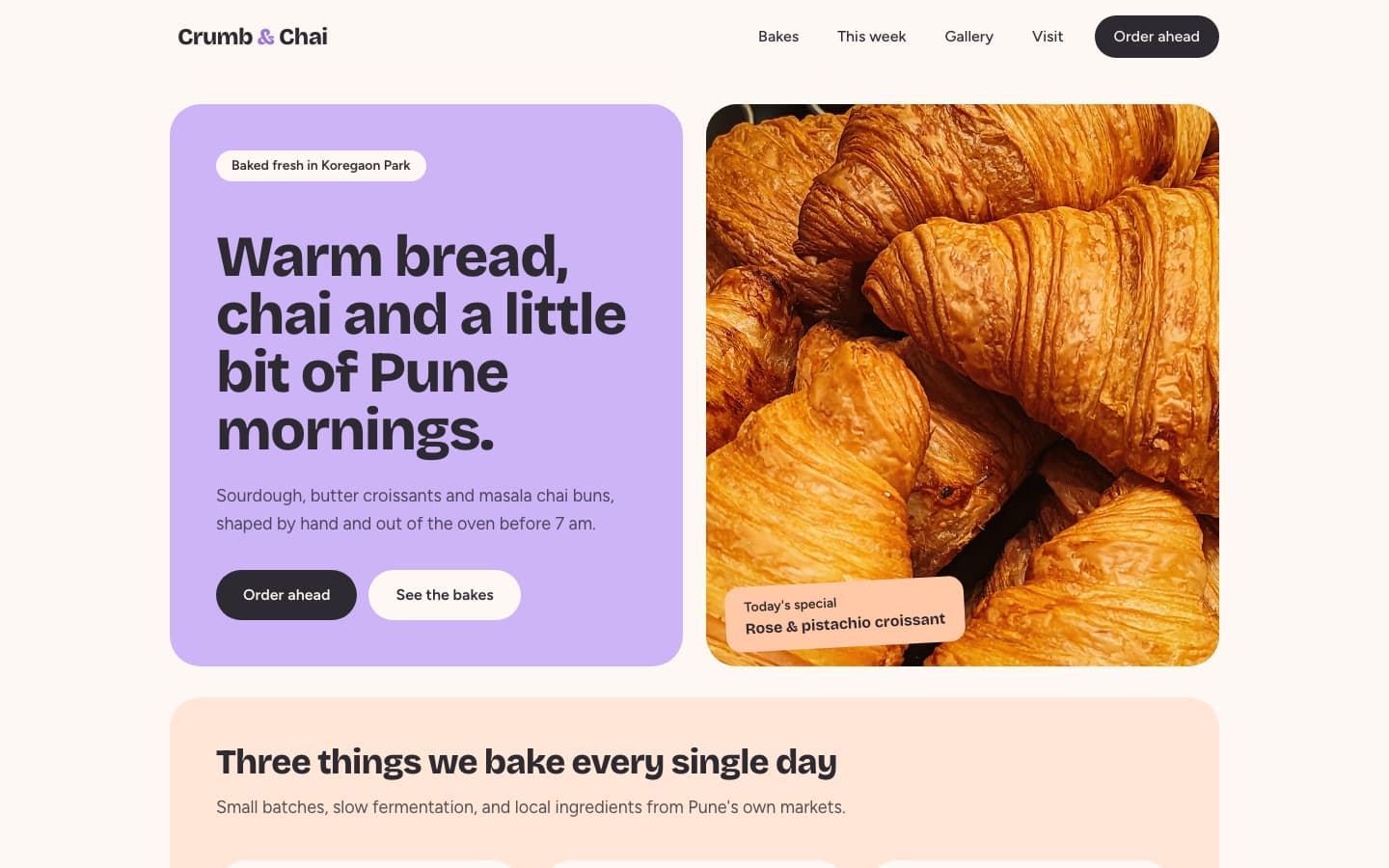
crumb-and-chai-bakery-pune.kodebloc.app.How the name is made
By default, the name comes from your website's name. Kodebloc turns it into something that works in an address:
- Capital letters become small letters.
- Spaces become dashes.
- Apostrophes and accents are dropped, so "Rosa's Bakery" becomes
rosas-bakery. - An & becomes the word "and", so "Crumb & Chai" becomes
crumb-and-chai.
A name can only use small letters, numbers and dashes. It needs at least 3 characters and can have up to 40. A long name is cut short at the end of a whole word.
Choose your address when you publish
- Click Publish in the builder.
- In Name your website (optional), type your website's name. The Link box below fills in by itself, with
.kodebloc.appafter it. - To use a different address, type straight into the Link box. Letters, numbers and dashes only.
- Leave the Link box empty if you like. Kodebloc then makes one from your website's name.
- Publish. The window shows your live address with a copy button and a link to open it.
Read the whole publishing flow in Publish and share your website.
If the name is taken
Every address is unique, so someone may already have the one you want. What happens depends on who chose the name:
- If Kodebloc made the name for you, it adds a short ending of 4 letters and numbers, like
rosas-bakery-x7k2. - If you typed the name yourself, you see “That link is already taken. Try another, for example by adding your town or a number.” Something like
rosas-bakery-leedsoften works.
Names you can't use
Some words are blocked to stop people from pretending to be someone else. They include kodebloc, admin, official, support, login, password, bank and paypal, along with a few others. If you type one, you see “That link isn't available. Please choose a different name.” A few short names, like www, api and mail, are also kept back for Kodebloc.
If your website's name runs into one of these words and you didn't type a link, Kodebloc gives your website a random address instead. To avoid that, type your own link.
Each page has its own address
If your website has more than one page, the home page uses the main address. Every other page adds its name after a slash:
rosas-bakery.kodebloc.appfor the home pagerosas-bakery.kodebloc.app/menufor the Menu page
The address in the visitor's browser follows the page on screen. The Share button on your published website shares the link to the page the visitor is looking at. A link to a page you later renamed or deleted opens your home page, so it never leads to an error. See Websites with more than one page.
Your address stays the same
After you publish, you can keep changing your website. When you use Update live site, the new version goes online at the same address. Links you already shared keep working. See Update or take down a live website.
Move to a new address
If you want a different address, choose Publish to a new link instead when you update. Your website gets a new address. The old address stays online with the version that was there before, so old links don't break, but they won't show your new changes. Changed your mind before publishing? Choose Keep the same link.
Take your website offline
Take offline stops your address from showing your website. The address stays reserved for you, so nobody else can take it. If you publish again later, your website comes back at the same address.
Older addresses
Websites published before Kodebloc used readable names got an address of 8 random letters and numbers. Those addresses keep working.
Some older links start with kodebloc.com/build/s/. Most of them now send visitors on to the matching .kodebloc.app address automatically, including the page they asked for. A few very old links stay at the kodebloc.com address and still work there.
What about my own domain?
A custom domain is your own address, like www.rosasbakery.com. Kodebloc doesn't offer this yet. It is listed as coming soon in Site settings, under More. For now, every published website lives at its .kodebloc.app address.
Tips for a good address
- Keep it short. A short address is easier to say out loud, type and fit on a flyer.
- Use your real name. People should know what they are opening before they tap.
- Add your town if the name is common. It helps when your first choice is taken, and tells people where you are.
- Choose before you share. Pick the address you want before you print it or send it around. Moving later leaves the old address showing an old version.
Ready to share your address? Read Share your website.
Open the builderStill stuck?
Send us a message on the contact page and we'll reply by email.